

Manage multiple entry times in a single event.
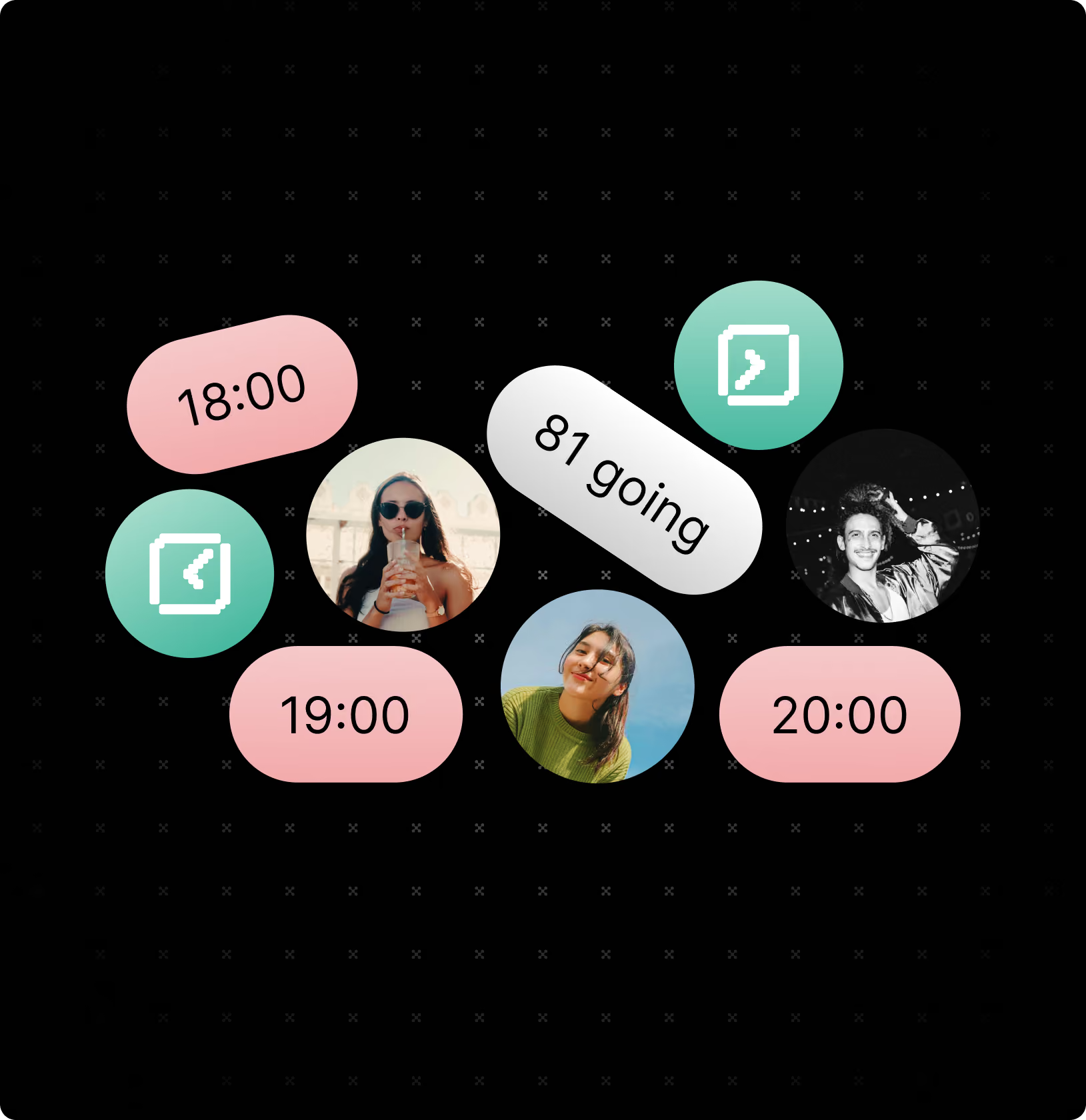
Running the same event at multiple times a day can make managing tickets, capacity and entry times a hassle.
With Time Slots, you can create multiple dedicated entry times for a single event and assign tickets to each one. Your attendees can choose their preferred entry time, while you keep ticket allocations and capacity organised for each one. No need to create separate events or rely on complicated ticket names. Everything stays together in one place.
- Create multiple entry times for one event
- Assign specific tickets to each Time Slot
- Manage ticket allocation and capacity
Less guesswork for your attendees. Less hassle for you.
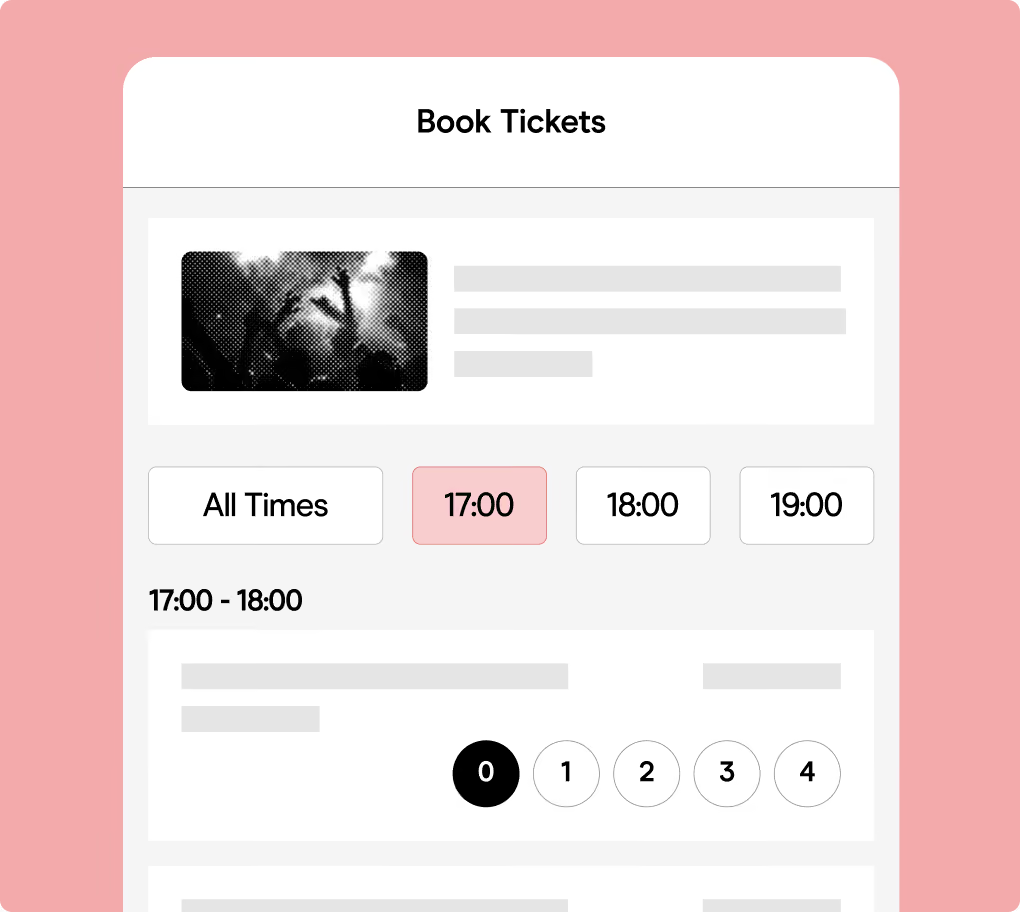
Clearer booking choices
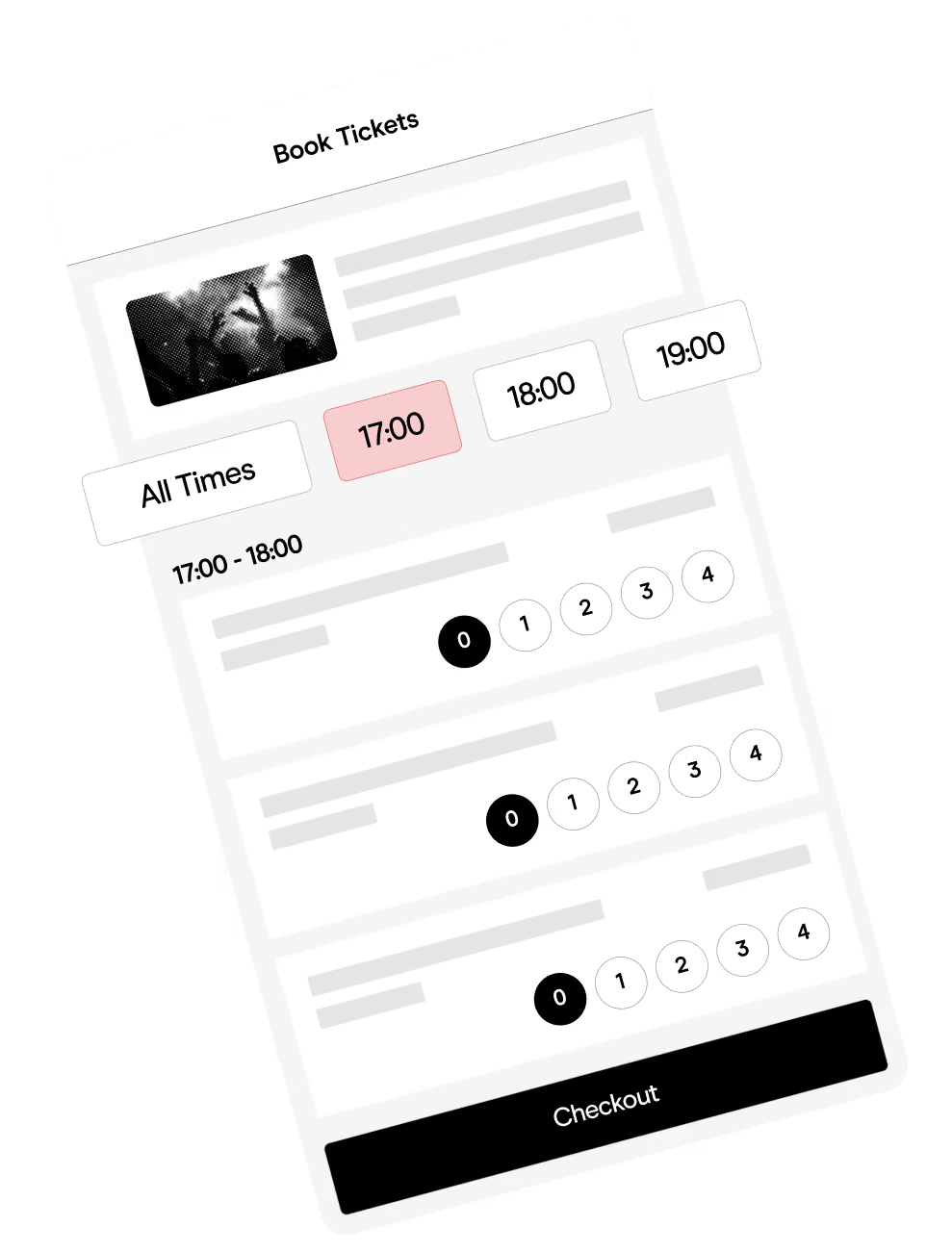
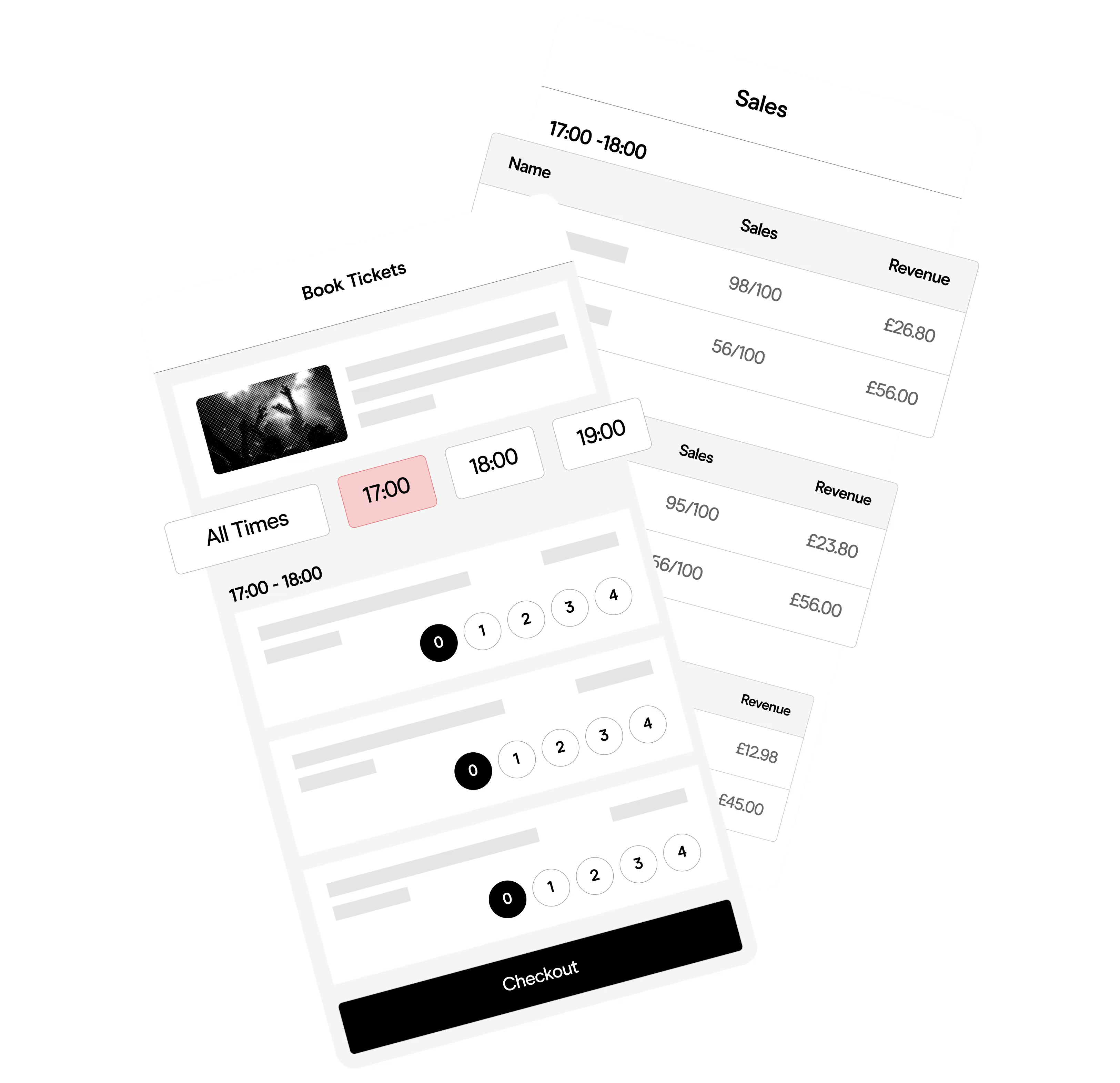
Time Slots are displayed clearly during booking, so your customers can choose a time that suits them.
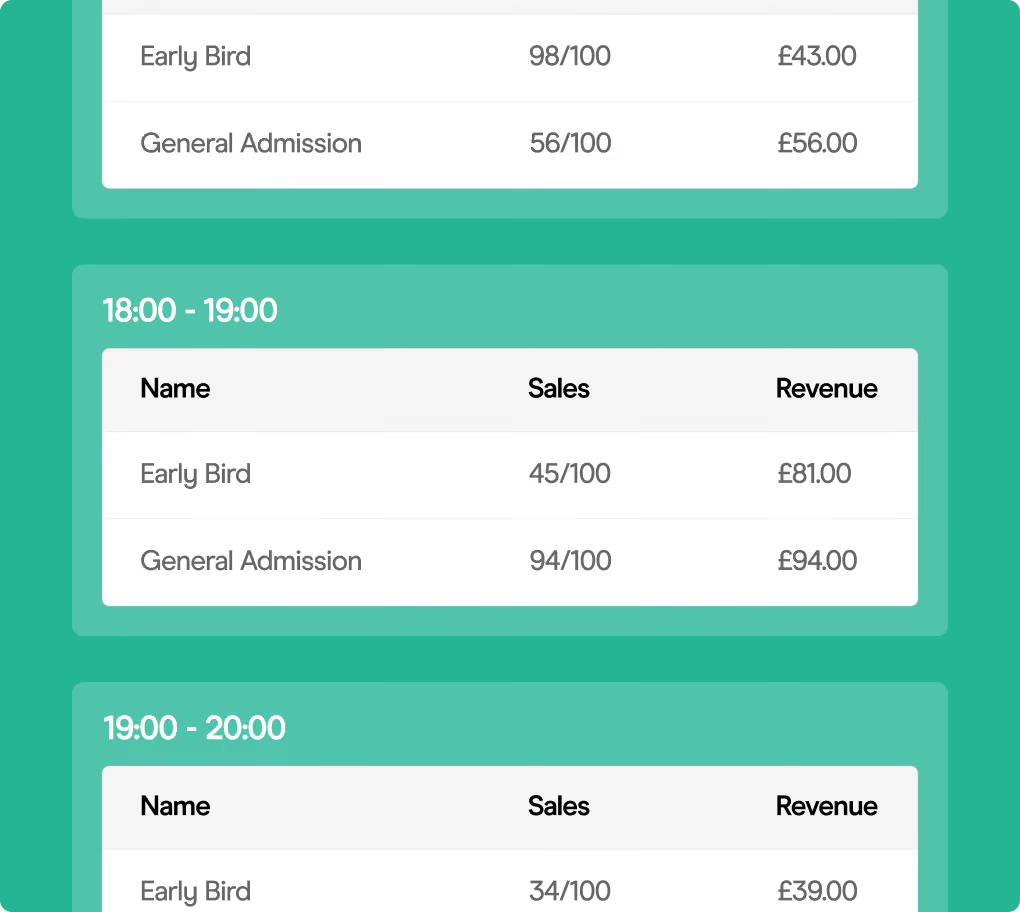
Organised ticketing
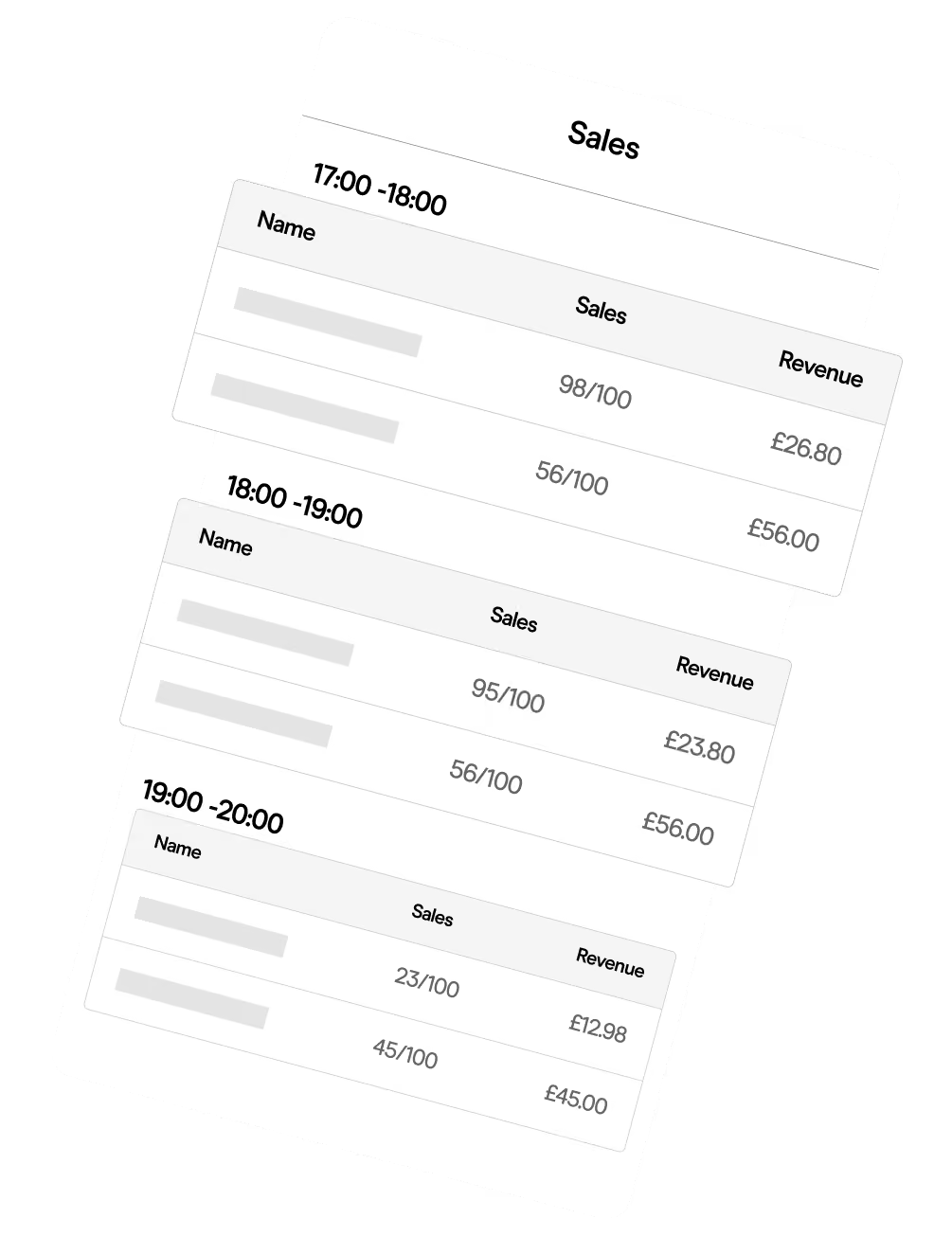
Assign tickets to each Time Slot and easily manage capacity for each one.

Smoother entry
Time Slots are synced with Fatsoma Scan, meaning smoother entry on event day.
3 simple steps to multiple entry times.
Choose or create an event
Head to your Fatsoma dashboard and click 'Edit Event'. Creating a new event? Start by adding your event details as usual.
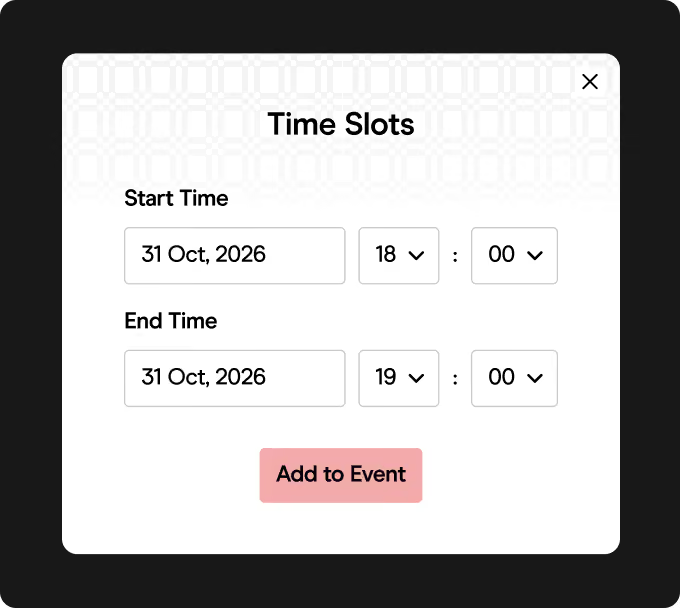
Add your time slots
Scroll to the 'Time Slots' section beneath your event date and time. Click 'Add Time Slots' to start adding your entry times.
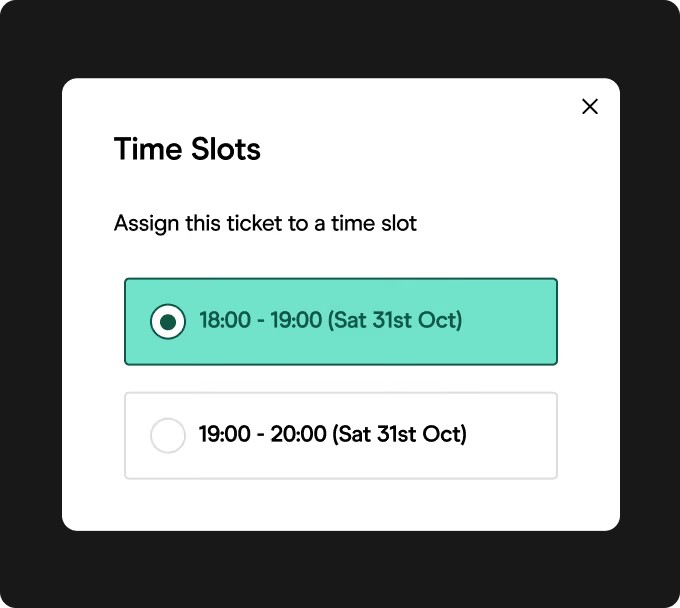
Set times and assign tickets
Head to the 'Tickets' section to assign tickets. Under 'Time Slot', select the relevant time and click ‘Save’.

We’re more than just a ticketing system. We’re a way to build a stronger, more successful events business.
Fatsoma gives you the tools to build a loyal customer base that you can re-engage whenever you need. Boosting your revenues, freeing up your time, and making your marketing go further.
Grow your brand and your events business with confidence with Fatsoma.